
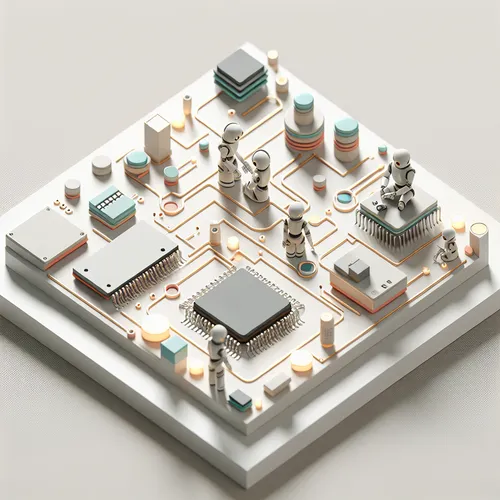
Mastering TinyML: Deploy AI on Microcontrollers Easily
Tiny Machine Learning (TinyML) is revolutionizing edge computing by enabling AI models to run on ultra-low-power microcontrollers. This guide walks you through the essential steps to deploy AI on microcontrollers efficiently, unlocking new possibilities in IoT and embedded systems.
What is TinyML?
TinyML refers to the field of machine learning technologies and applications capable of performing on-device analytics and inference on resource-constrained hardware like microcontrollers. Unlike cloud-based AI, TinyML offers near real-time decision-making without network dependency.
Why Use TinyML?
- Low power consumption: Ideal for battery-powered devices.
- Privacy: Data is processed locally, enhancing security.
- Latency: Instant inference enabled by on-device computation.
- Offline functionality: AI works without internet access.
Prerequisites
- Basic knowledge of machine learning concepts.
- Experience with embedded programming (C/C++).
- TinyML-compatible microcontroller (e.g., ARM Cortex-M)
- Development environment (Arduino IDE, TensorFlow Lite for Microcontrollers, or PlatformIO).
Step-by-Step Deployment Process
Step 1: Choose a Microcontroller
Select a microcontroller with sufficient flash and RAM. Popular choices include STM32, ESP32, and Arduino Nano 33 BLE Sense. These boards support machine learning inference with TinyML frameworks.
Step 2: Train and Optimize Your Model
Train your AI model using traditional machine learning frameworks such as TensorFlow. Optimize and convert it to a TensorFlow Lite model using TensorFlow Lite for Microcontrollers (Official site).
Step 3: Set Up Development Environment
Install Arduino IDE or PlatformIO, and import the TensorFlow Lite for Microcontrollers library. Configure the IDE for your target microcontroller board.
Step 4: Write Inference Code
#include <TensorFlowLite.h>
// Load your TFLite model here
// Initialize input and output buffers

void setup() {
  // Initialize serial for debugging
  // Initialize TensorFlow Lite interpreter
}

void loop() {
  // Read sensor data
  // Run model inference
  // Take action based on prediction
}
Step 5: Test and Debug
Upload your sketch to the microcontroller and monitor the serial output. Debug any issues by checking memory usage and inference timing. Use serial prints to track data flow.
Troubleshooting Tips
- Insufficient memory: Simplify model architecture or use quantization.
- Inference too slow: Optimize loops and reduce input data size.
- Platform incompatibility: Verify MCU compatibility with TensorFlow Lite version.
Summary Checklist
- Choose a compatible microcontroller.
- Train and convert your model to TensorFlow Lite format.
- Set up development environment with required libraries.
- Implement inference code and deploy it on the device.
- Test for performance and optimize if necessary.
For a broader understanding of deploying AI models efficiently on edge devices, check out our post Guide to Deploying AI Models on Edge Devices Efficiently.
About the Author










