
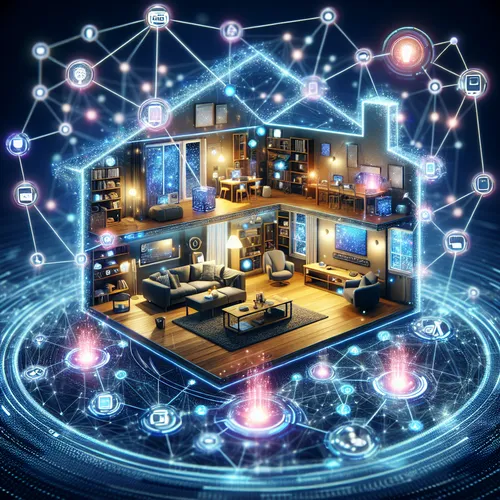
Build Your First AI-Powered IoT Home Automation System
Home automation has evolved tremendously with the integration of AI and IoT. This tutorial guides you through building a simple yet powerful AI-powered IoT home automation system to control devices intelligently. Experience increased convenience, security, and energy savings by combining smart technology and AI.
Prerequisites
- Basic knowledge of IoT devices and networking
- Familiarity with programming (Python recommended)
- Wi-Fi connection and a compatible IoT hub (like Home Assistant (Official site))
- IoT devices such as smart bulbs, thermostats, smart plugs
- Optional: AI service account like Google Cloud AI or AWS AI for smart analytics
Step 1: Set Up Your IoT Devices and Hub
Connect your smart home devices to your local Wi-Fi network. Use an IoT hub such as Home Assistant to manage these devices from a single dashboard. Follow the hub’s setup instructions to discover and control your devices.
Step 2: Integrate AI for Smart Automation
Choose an AI platform or library that suits your needs. For instance, Google Cloud AI offers APIs for voice commands, vision, and predictive analytics. Use these APIs to create smart rules, like adjusting lighting based on time of day or occupancy detected by sensors.
Example: Python Script for Smart Lighting
import requests

def adjust_lighting(time_of_day):
    if time_of_day == 'evening':
        # Turn on warm lights
        requests.post('http://iot-hub/devices/light1/on')
    else:
        # Turn off lights
        requests.post('http://iot-hub/devices/light1/off')
Step 3: Implement Voice Control
Integrate voice control using AI voice assistants. Platforms like Google Assistant or Amazon Alexa can connect to your IoT hub, enabling voice commands for quick control of your devices.
Step 4: Monitor and Optimize
Use AI algorithms to analyze usage data. For example, detect patterns in heating/cooling usage, and adjust the thermostat automatically to save energy while keeping comfort.
Troubleshooting Tips
- Ensure all devices and the hub use the same Wi-Fi network.
- Check API key permissions if using external AI services.
- Restart devices and hub if they stop responding.
Summary Checklist
- Connect IoT devices to the network and hub
- Select suitable AI services/APIs
- Create automation scripts integrating AI
- Enable voice control for hands-free operation
- Monitor device usage and optimize energy efficiency
For further insights on securing IoT and AI integrations, check our post on Secure DevOps Pipelines with AI Automation. This will help you fortify your smart home system against cyber threats.
About the Author










